

Let me describe my life a few months ago.
End of the day. I am exhausted. I have a crumpled piece of paper in front of me with about ten items scribbled in a hurry. Tomorrow morning at 8:45 AM, I have a sync meeting with my assistant. I am going to read him my notes. He is going to take calls on my behalf, reply to my emails, and handle follow-ups. And I am going to spend the first 30 minutes of my day explaining to him what happened yesterday.
It worked. But it was slow, dependent on me, and frankly—exhausting.
Today? I say three words in the evening: “Prepare the day.”
In 10 minutes, my AI assistant has summarized my emails, drafted the responses, updated my tasks, created the agenda for my human assistant, and sent the missing invitations in my calendar. My assistant arrives in the morning and starts working without waiting for me to explain anything to him.
What it changed concretely:
- I no longer forget anything. Everything that deserves action lands in my system.
- I spend 10 minutes in the evening on my emails instead of 45.
- I show up in the morning with a clear head.
- My assistant devotes his time to strategic projects, not sorting my emails.
If you run an SME (Small or Medium-sized Enterprise) and still spend your evenings forwarding emails, taking notes for tomorrow, and manually preparing your meetings, reading this will cost you 10 minutes. And potentially save you hours a week.
Here is exactly how I built this system.
Before starting: The foundation everyone forgets
Before even talking about AI, there is a habit to build immediately—whether you use AI or not.
Record everything.
All your meetings. All your important conversations. Turn on automatic transcription. If you use Google Meet or Microsoft Teams, it’s built-in. If you still have phone meetings without recording, stop.
Why?
Because in two years, when your lawyer, supplier, or partner says “I never said that to you,” you will have the proof. For that alone, it’s worth it.
And if you don’t have the Google or Microsoft suite yet because you find it too expensive, that is a mistake. It is probably the tech investment with the highest return you can make for an SME. If you don’t know where to start, contact us—we can help you set it up.
Step 1: Choose your tools

Here is what I use and recommend:
Work Suite: : Google Workspace or Microsoft 365 for emails, calendar, documents, and especially meeting transcriptions.
The AI Agent: I use Claude (by Anthropic). Why Claude and not ChatGPT? Several reasons: it connects to my tools, I can speak to it via voice from my phone, it has conversation memory, and it makes fewer mistakes in my language and context. ChatGPT probably works too, but Claude is what I know and what I can concretely help you with.
A CRM : The goal is for all your communications—emails, calls, meetings—to land in the same place. Most popular CRMs (HubSpot, Salesforce, and others) connect to Google and Microsoft. Choose the one that integrates best with what you already have.
Step 2: Brief your agent like a new employee

This is where most people get discouraged too early. So let me be direct with you.
On Day 1, your AI agent will not be perfect. And that’s normal.
It’s Pareto’s law applied to AI: you will spend maybe an hour explaining how you work. You will have a good base. But it will make mistakes. It will lack context. It will sometimes answer off-topic.
This is not a system flaw. It’s exactly like a new employee.
The fundamental difference with a human employee: when you give feedback to your AI agent just once, it integrates it forever. It doesn’t forget. It doesn’t have a bad day. It doesn’t pout because it doesn’t want to change.
Here is what you need to explain to it at the start:
- Your communication style: How you address your clients, suppliers, and partners. The tone, phrasing, and level of language.
- Your priorities: For me: my primary business first, then my wife’s business, then my personal affairs. In that order.
- Your validation rules (be careful here): At first, do not give it permission to send emails. Ask it to draft them, read them, correct them, and only when you trust its judgment—gradually—give it the green light to send.
- What you manage vs. what your team manages: The agent must know what to pass along to whom, and what needs to be escalated to you.
The thing no one tells you about this step: Many people don’t know how they work themselves. Their processes are unconscious habits. They have been doing things automatically for years without ever formalizing them. The briefing will force you to articulate them—and that in itself is a valuable exercise.
Step 3: Connect the agent to your tools
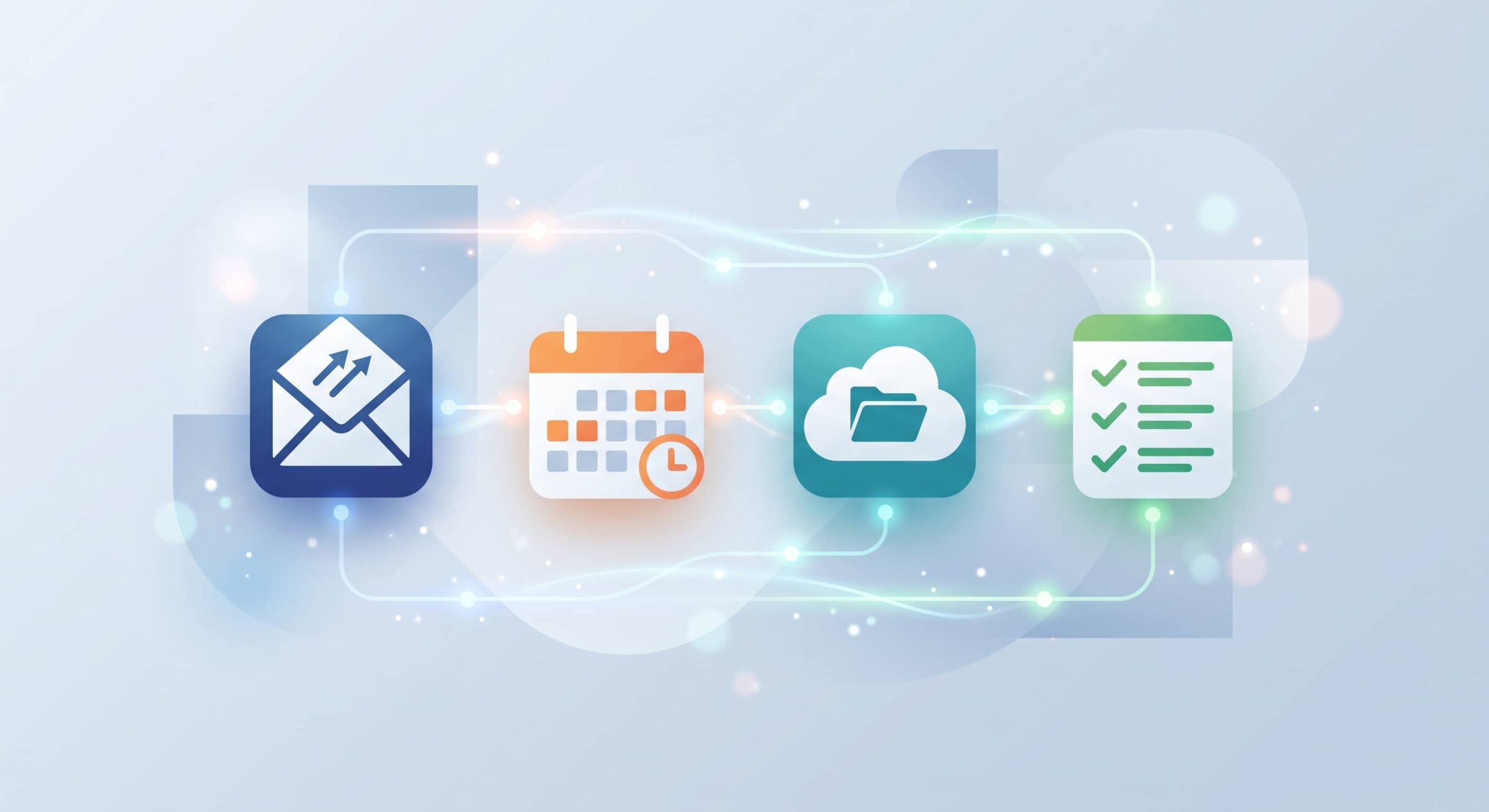
An isolated AI agent is useless. Its value comes from what it can read and what it can do.
Here is what I connected, in the order I did it:
- Gmail: It reads incoming emails, drafts replies in my style, and submits them for my validation.
- Google Calendar: It sees my meetings, creates events, and sends invitations. When someone suggests a time slot via email, it checks if I’m available before I even ask.
- Google Drive: It automatically reads my Google Meet meeting transcripts. I don’t have to send it anything—it goes and gets them.
- Todoist: It creates my tasks, ranks them by priority, and assigns them to the right date.
Start with emails and calendar. Master that workflow first. Add the rest when you are comfortable.
Step 4: The evening ritual (10 Minutes)
This is technically the simplest step and actually the most powerful.
Every evening, one sentence: “Prepare the day.”
- The agent silently rounds up: emails, meeting transcripts, tomorrow’s calendar, active files. Then it presents me with:
- Important emails, one by one, with its suggested response. I say “send” or correct it in 5 seconds.
- My assistant’s agenda: Points to cover tomorrow morning, organized by folder and priority. I approve it, and it sends it directly.
- My schedule for tomorrow: Meetings, conflicts, and preparations to be made.
- Tasks to create: It suggests them, I confirm, and they appear in Todoist.
This ritual only works if you do it regularly. The AI doesn’t run in the background while you sleep; it waits for you to trigger it. Discipline is your part of the contract.
What this system does not fix
Let’s be honest.
It does not replace human judgment. Your agent will make mistakes. It will lack context. It will sometimes miss an important relational nuance. It is a tool, not a senior employee.
It does not work without discipline. If you don’t do the evening ritual, the system stops. It’s like a gym membership—it’s not the equipment doing the work, you have to show up.
Coaching never stops. Just like with a good employee, you will continue to adjust, correct, and improve. But each correction only needs to be made once.
Where to start today
- Record all your meetings: Turn on automatic transcription right now, whether you use AI or not.
- Choose your suite: Google or Microsoft. If you don’t have one yet, now is the time.
- Open a conversation with Claude: Talk to it like you would to a new executive assistant. Explain your context, priorities, and rules.
- Start only with emails: At the end of each day, ask it to read them and suggest responses. Correct it. Iterate.
- Add the rest gradually: Calendar, tasks, and your team’s agenda.
Want to set this up in your business?
You can absolutely do it yourself—everything I described here is accessible without advanced technical skills.
If you prefer guidance, or if you want to see concretely how this could work in your context, I am available for a 20-minute conversation. No pitch—just an honest look at what would make sense for you.